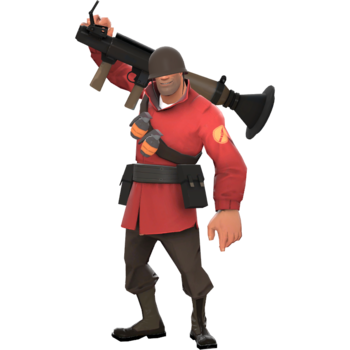
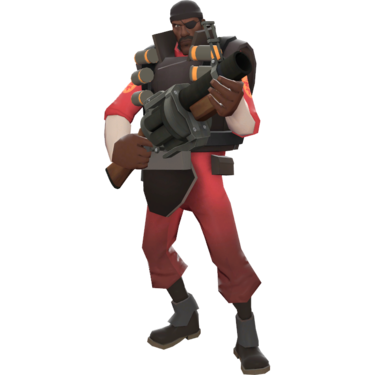


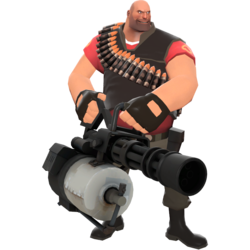
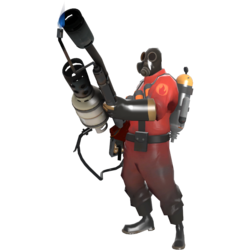

Welcome to The TF2 Tower
Team Fortress 2 Community Server - Established 2015
The TF2 Tower is a Team Fortress 2 community server brought to you by the same team behind The GM Tower. Experience classic TF2 gameplay with a friendly community!
Connect Now:
Copy and paste this IP into your TF2 console
Available Game Modes
|
★ MAIN MODE
PayloadPush the cart through enemy territory! BLU team escorts the bomb cart along a track while RED defends. Classic TF2 action with balanced gameplay.
|
|
King of the Hill
Fight for control of the central point! Fast-paced gameplay where both teams battle to capture and hold a single control point.
|
|
Capture the Flag
Steal the enemy's intelligence briefcase and return it to your base while defending your own. Classic CTF with TF2 gameplay.
|
|
Attack/Defend
BLU attacks multiple control points while RED defends. Time-limited rounds with strategic depth.
|
Server Information
| Property | Details |
|---|---|
| Server Name | The TF2 Tower |
| Game | Team Fortress 2 |
| Server IP | 206.0.29.10:10137 |
| Main Game Mode | Payload |
| Additional Modes | KOTH, CTF, Attack/Defend |
| Max Players | 24 |
| Region | North America |
| All-Talk | Disabled (team chat only) |
| Crits | Random crits enabled |
| Respawn Times | Standard/Competitive |
How to Connect
To join The TF2 Tower server:
- Launch Team Fortress 2
- Open the developer console (~ key)
- Type: connect 206.0.29.10:10137
- Press Enter and you'll join the server!
Tip: Add the server to your favorites for quick access!
Server Rules
- Be respectful to all players
- No cheating, hacking, or exploiting
- No mic spam or chat spam
- No racist, sexist, or offensive language
- Listen to admin/moderator instructions
- Have fun and play fair!
📰 Latest News & Announcements
Quick Start Guide - How to Join
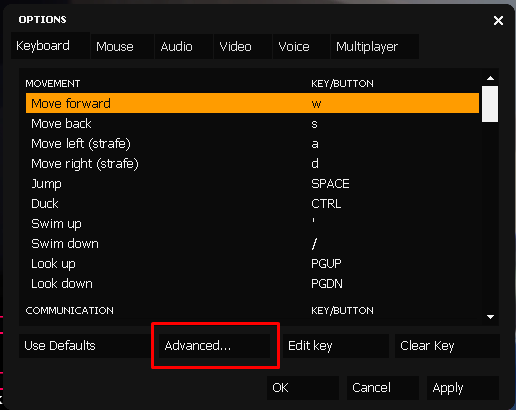
Step 1: Launch Team Fortress 2
Open Steam and launch Team Fortress 2 from your library.
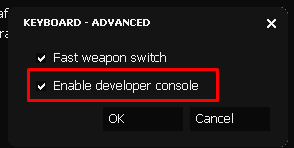
Step 2: Open Console
Press the tilde key (~) to open the developer console. If it doesn't work, enable it in Options → Advanced.
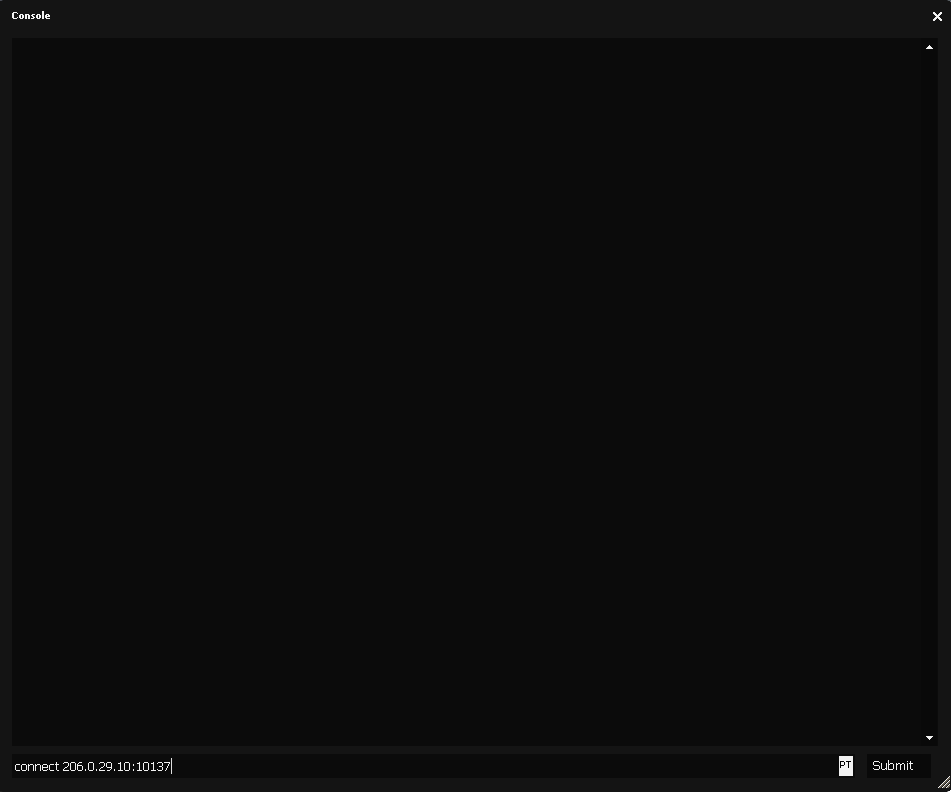
Step 3: Enter Server IP
Type: connect 206.0.29.10:10137 and press Enter.
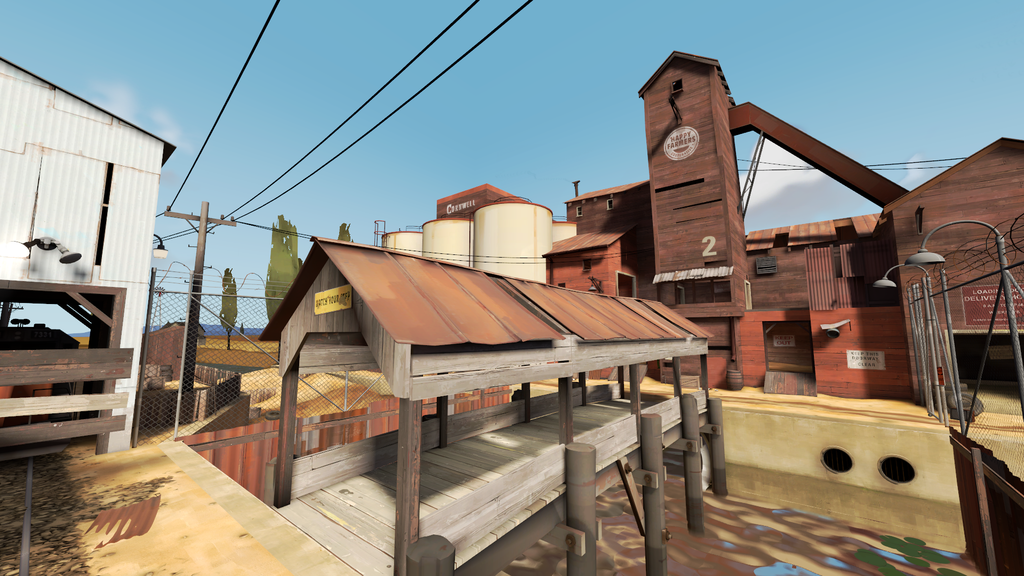
Step 4: Start Playing!
You'll join the server and can start playing on maps like 2Fort, Badwater, and more!